Do pushups.
Capture creatures.
Every rep lands a hit. Beat the boss, capture the creature, then climb from the Verdant Ruins all the way to the Astral Crucible. One push-up at a time.
Free to play · No equipment · Available in 52 languages
Simple to start. Hard to put down.
No menus to grind. You drop to the floor, and the game turns every honest rep into progress.
Drop and rep
Prop your phone up. It watches and counts every honest push-up in real time.
Beat the boss
Each rep chips away at the boss hp bar. Clear it to zero and the fight is yours.
Capture the creature
Victory reveals a brand new creature card, straight into your growing codex.
Unlock the next zone
Clear a zone and the next one opens. New creatures, tougher bosses, more to earn.
Your first capture
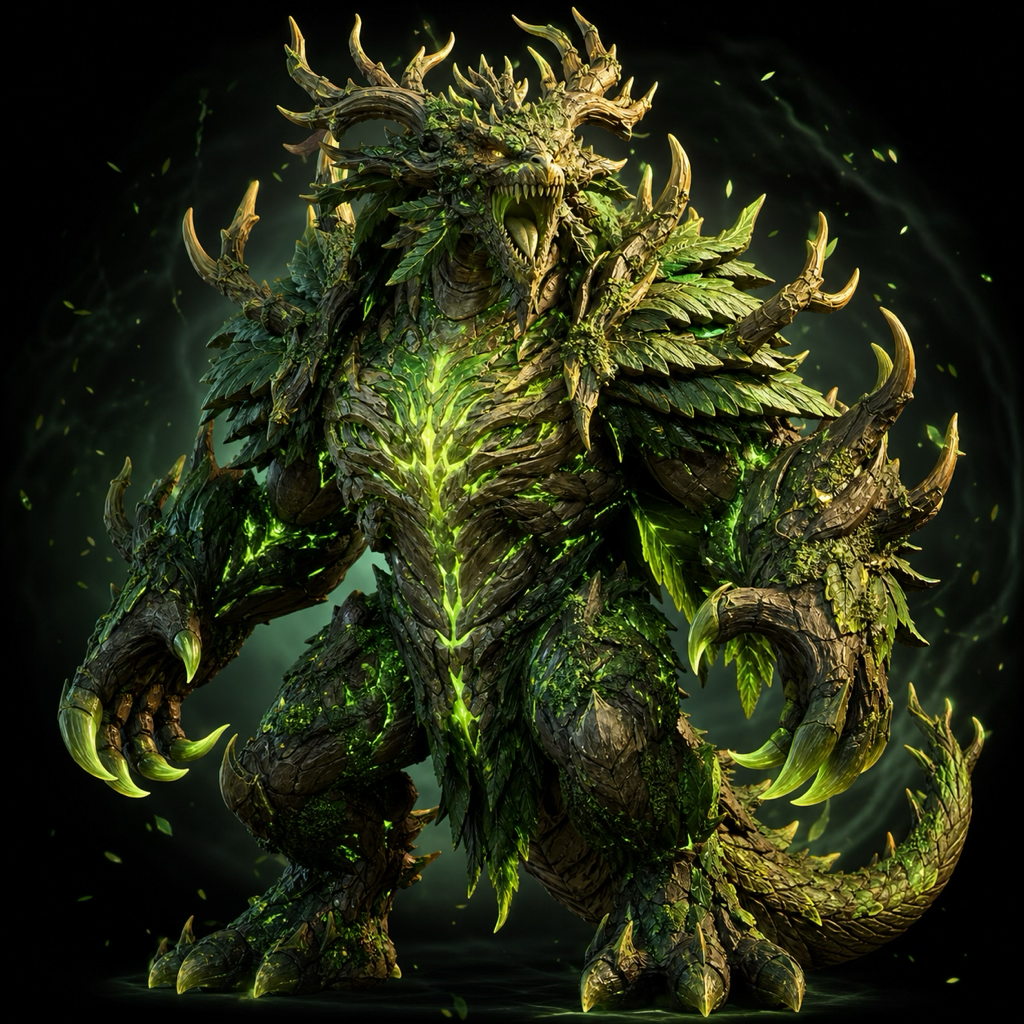
Meet Spriglet, the first creature in the Verdant Ruins. Tap to throw your reps, or let it rip, and capture it before the reset timer runs out.
In the app there are no buttons. Your camera tracks the real thing, so the only way to win is to actually do the reps.

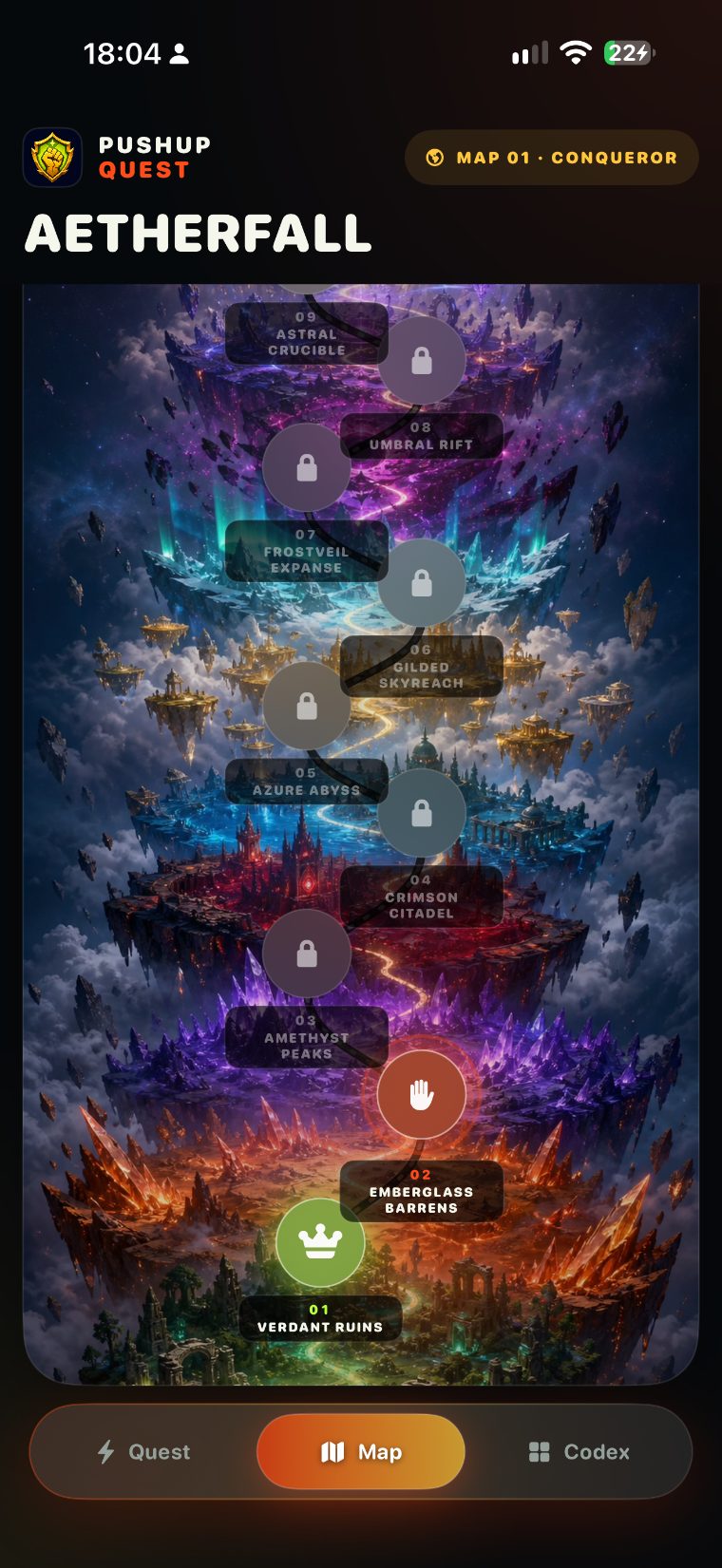
Nine zones. One long climb.
Start in the emerald wild and rise through fire, crystal, ice and starlight. Every zone hides its own creatures, a handful of mini-bosses, and one zone boss guarding the reward.
Collect living 3D cards
Every creature you beat becomes a 3D card in your codex. Move it in your hand to catch the light and wake its foil. This one is already yours.
Beat a boss and its creature settles into your codex for good, foil and all. Every locked slot is a fight you have not won yet.

Your quest awaits.
A whole world is waiting to be explored, one creature at a time. Begin your quest and see how far you climb.
Start the quest